
A new website should bring you more enquiries than the old one, not fewer. Yet many businesses launch a redesign and then watch Google traffic fall for months, because old pages vanished, links broke or important content was cut. This website redesign checklist walks you through the whole project in order: what to check before you start, how to protect your SEO during the move, and what to test on launch day and in the weeks after. It is written for business owners in Ahmedabad and across India, but the steps apply to any website.
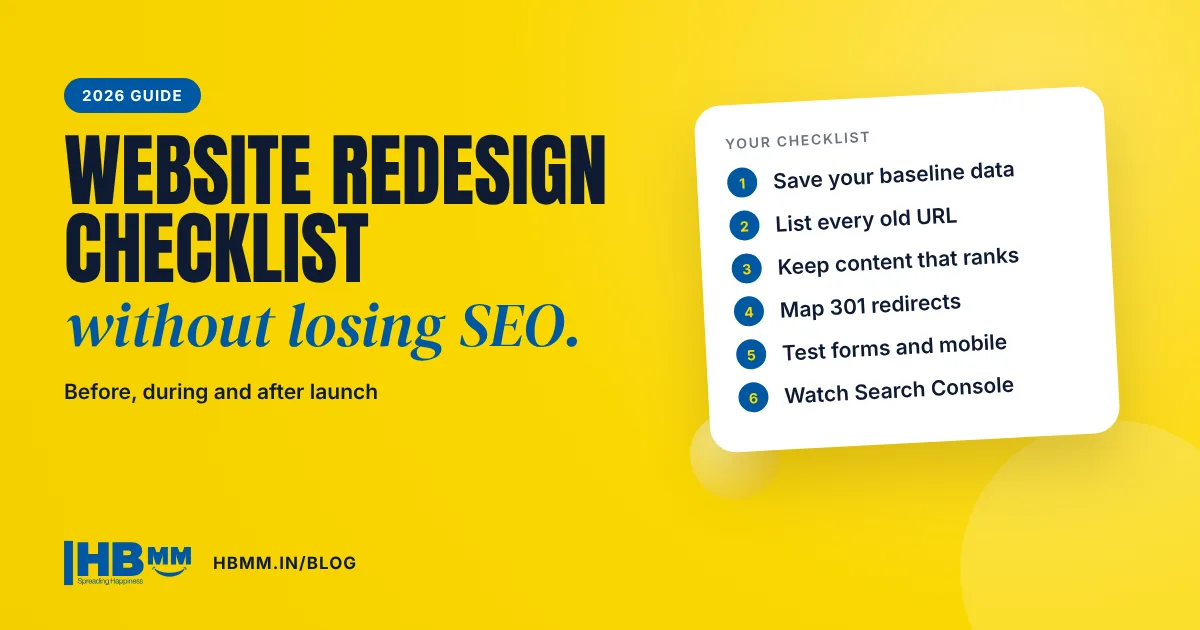
Short answer: A safe website redesign has three stages. Before you start, record your current traffic, rankings, enquiries and every URL. During the build, keep or improve the content that already ranks, map each old URL to its new URL and plan 301 redirects for anything that changes. At launch, switch on the redirects, submit a fresh sitemap in Search Console, test forms and speed on mobile, and then watch the data for at least a few weeks before making more big changes.
In this guide
- When does a business need a website redesign?
- Why redesigns often lose Google traffic
- Website redesign checklist: before you start
- During the build: content, structure and design
- Protect your SEO: the URL and redirect plan
- Launch day checklist
- After launch: the first eight weeks
- Website redesign mistakes to avoid
- Frequently asked questions
When does a business need a website redesign?
A redesign is a big project, so it should solve a real problem. These are the common signs that the time has come:
- Enquiries have dropped even though your business is busy offline, or visitors leave the site quickly.
- The site is slow or awkward on phones. Most Indian buyers see your website on a mobile first.
- It no longer matches your business. New services, new products, a new logo or a move into exports are not reflected.
- Your team cannot update it. Every small change needs a developer, so the content goes stale.
- It looks dated next to competitors when a buyer compares three suppliers side by side.
- Security or hosting problems keep returning, often because the platform or plugins are years out of date.
If only one page is weak, you may need a page refresh rather than a full redesign. If several of these apply, a planned redesign is usually the better investment. Our guide to website design cost in India explains what drives the budget.
Why redesigns often lose Google traffic
Search engines rank individual pages, not your brand as a whole. When a redesign changes or removes those pages, the rankings attached to them can disappear. The usual causes are:
- Old URLs removed or renamed with no redirect, so Google and visitors hit a 404 page
- Useful text cut to make the design look “clean”, leaving thin pages
- Page titles, headings and meta descriptions rewritten without checking which keywords they ranked for
- A staging site’s “noindex” setting accidentally left on after launch
- Heavier pages with large images and animations that are slow on mobile data
- Internal links pointing to old addresses
The good news is that all of these are preventable with a checklist. Google’s own documentation on moving a site with URL changes confirms that permanent redirects do not cause a loss in PageRank, but it also warns that rankings can fluctuate for a few weeks while Google processes the change.

Website redesign checklist: before you start
Most redesign problems are created in the first week, when nobody records what the old site was doing. Do these steps before any design work begins.
- Write down the goal. More enquiries from a service, more export leads, easier updates, a new brand? One or two clear goals guide every later decision.
- Save a baseline. Export the last three to six months of Search Console data (queries and pages), Google Analytics sessions and engagement, and your enquiry count from forms, calls and WhatsApp.
- List every URL. Use your XML sitemap or a crawler to get every page, blog post, image and PDF that is live today.
- Mark the pages that matter. Pages with clicks, backlinks or enquiries are your most valuable pages. Their content must be kept or improved, never thrown away.
- Collect your assets. Logo files, real project photos, product details, certificates and client permissions take time to gather, so start early.
- Check access. Make sure you own the domain, hosting, Google Search Console, Google Analytics and Google Business Profile logins, not just your old developer.
During the build: content, structure and design
Plan the page structure around what people search
Group your services into clear pages, one main topic per page. A manufacturer might have one page per product range; a clinic, one page per treatment. Each page should answer what it is, who it is for, the process, what is included and how to enquire. Clear structure also helps AI search tools such as Google AI Overviews and ChatGPT understand and quote your pages. Our guide on getting recommended by ChatGPT and AI Overviews covers this in more depth.
Make your official task pages easy to find
On 15 October 2026 Google said it is testing a new display in its AI search experiences that surfaces the “one or two official places on the web” for a specific task in a dedicated section at the top of a response. Google has not published any eligibility rules for this test, but the sensible preparation is the same good practice a redesign should include anyway: a clear page for each key task (request a quote, book a visit, download a catalogue, track an order), a short descriptive URL, and your business name, address and phone number consistent with your Google Business Profile.
Keep the content that already ranks
For each important old page, keep its main topic, useful text and headings, then improve them: add a short answer at the top, update facts, add FAQs and better photos. Do not swap a 900-word service page for three lines of text and a large image.
Design for phones first
Check every template on a real phone, not just a desktop preview. Text should be easy to read without zooming, buttons large enough to tap, and the call to action visible without hunting. A visible WhatsApp option works especially well for Indian buyers. If you are also choosing a platform, read our comparison of WordPress vs Shopify vs a custom website.
Protect your SEO: the URL and redirect plan
This is the single most important part of a website redesign checklist. Keep the same URLs wherever you can. Where a URL must change, set up a permanent (301) redirect from the old address to the closest matching new page.
| Situation | What to do |
|---|---|
| Page stays, same topic | Keep the same URL. No redirect needed. |
| Page stays, new URL | 301 redirect from the old URL straight to the new one, and update internal links. |
| Two old pages merged into one | 301 redirect both old URLs to the new combined page. |
| Page removed with no replacement | Redirect only if a closely related page exists; otherwise let it return a 404. Do not send everything to the home page. |
| Domain name changes | Redirect every old URL to its new match and use the Change of Address tool in Search Console. |
| Images and PDFs that get traffic | Keep their file paths or redirect them too. |
Google recommends redirecting old URLs directly to their final destination, avoiding long chains, and keeping redirects in place for as long as possible, generally at least a year. Each new page should also have a self-referencing canonical tag.
Launch day checklist
- Remove any “noindex” or password protection left over from the staging site.
- Switch on all planned 301 redirects and test a sample of old URLs, especially your top pages.
- Submit the new XML sitemap in Google Search Console.
- Check that the Google Analytics tag and any conversion tracking are firing.
- Submit a test enquiry through every form and check that it arrives. Test the call and WhatsApp buttons on a phone.
- Check titles, meta descriptions and the single main heading (H1) on your key pages.
- Run a mobile speed test and fix any oversized images.
- Look for broken links and missing images.
- Update your Google Business Profile, social profiles and email signatures if any links changed.

After launch: the first eight weeks
Expect some movement. Google says that for medium-sized websites it can take a few weeks or more to process a move. What matters is the trend.
- Week 1: Check Search Console daily for crawl errors and “Not found (404)” pages. Fix any missed redirects at once.
- Weeks 2 to 4: Compare clicks and impressions for your most valuable pages with the baseline you saved. Watch enquiries closely.
- Weeks 4 to 8: Improve pages that are slipping: add missing content, internal links and FAQs. Start adding fresh, helpful content such as guides and project pages.
Timing matters too. Google started its November 2026 core update on 10 November, and rankings can swing during any core update rollout. If you can, avoid launching a redesign in the middle of one, so you can tell which change caused what. We explain this in our note on the Google core update November 2026.
Website redesign mistakes to avoid
- Choosing a design from a template demo without checking it works with your real content
- Launching on a Friday evening, with nobody available to fix problems
- Letting the developer own your domain or hosting account
- Using stock photos where real photos of your factory, team or work would build more trust
- Adding heavy sliders and animations that slow the site down on mobile
- Forgetting to plan who will update the site after launch
Choosing the right partner matters as much as the design. Our guide on how to choose a website design company lists the questions to ask before you sign.
Frequently asked questions
Will a website redesign hurt my SEO? It can if URLs change without redirects or valuable content is removed. With a URL map, 301 redirects and the content kept or improved, a redesign usually helps over time, though short-term movement is normal.
How long does a website redesign take? It depends on the number of pages, how quickly content and photos are ready, and the features needed. A small business site takes weeks rather than months; large catalogue or e-commerce sites take longer. Content readiness is the most common cause of delay.
Should I keep my old URLs? Yes, wherever they are clean and sensible. Keeping URLs is the simplest way to protect rankings. Change them only when there is a clear benefit, and redirect every changed URL.
How long should 301 redirects stay in place? Google recommends keeping them for as long as possible, generally at least one year. In practice, many businesses keep them permanently.
Can I redesign my website in phases? Yes. Many businesses start with the home page and main service pages, then move on to the rest. Phased work also makes it easier to see what changed in your data.
How HB Multimedia can help
HB Multimedia has designed and built business websites since 2008 from our office in Naranpura, Ahmedabad, and has completed more than 10,000 projects for over 4,500 clients. Our website design services include the URL map, redirects and SEO checks described here, so your new site keeps what already works. If you want to compare options first, visit our website design company in Ahmedabad page or see our work. Get a free proposal or talk to us on WhatsApp.